Keyboard lock
Standard keystrokes are consumed while cleaning mode is active.
macOS 14+
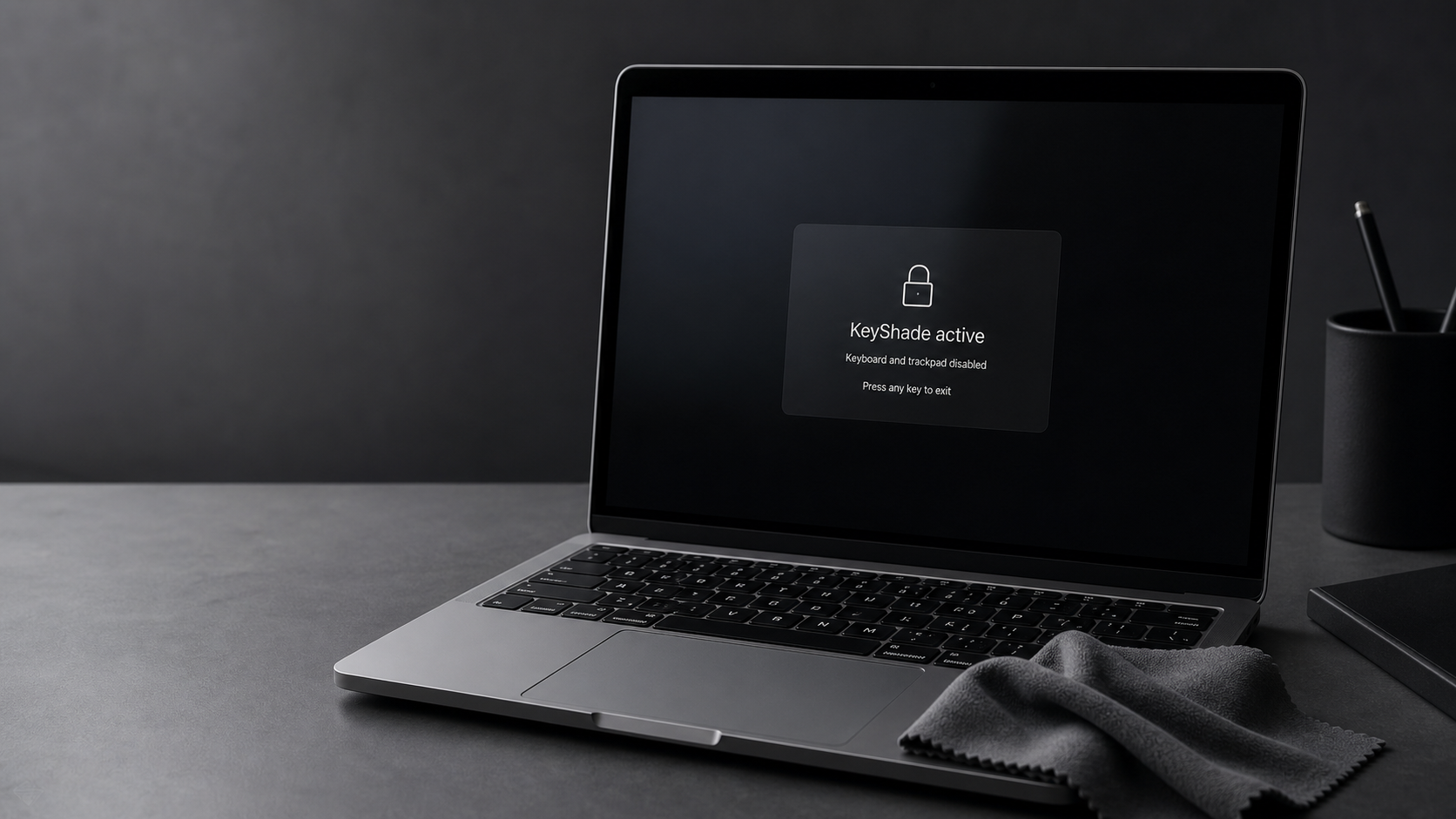
Instantly block your keyboard, trackpad, and mouse so you can clean your Mac without triggering accidental actions.
A global shortcut activates a full-screen overlay and ignores input until you intentionally unlock.
MVP
Standard keystrokes are consumed while cleaning mode is active.
Clicks, pointer movement, and scrolling are blocked to avoid accidental interaction.
A discreet dark overlay covers connected displays.
The global shortcut can be changed and is restored at launch.
Direct distribution
The signed and notarized public build will be published here. The current archive is a local development build.
Help
macOS requires this permission to intercept and block keyboard, mouse, and trackpad input.
Hold the configured shortcut for 2 seconds. Default: ⌘ ⇧ L.
No. KeyShade is planned for direct distribution through a signed and notarized download.
Media and volume keys are intercepted at HID level when macOS allows it. Touch ID and power remain controlled by the system.
Versions
Contact
For support, product feedback, or distribution questions, contact the developer by email.